
Direct answer
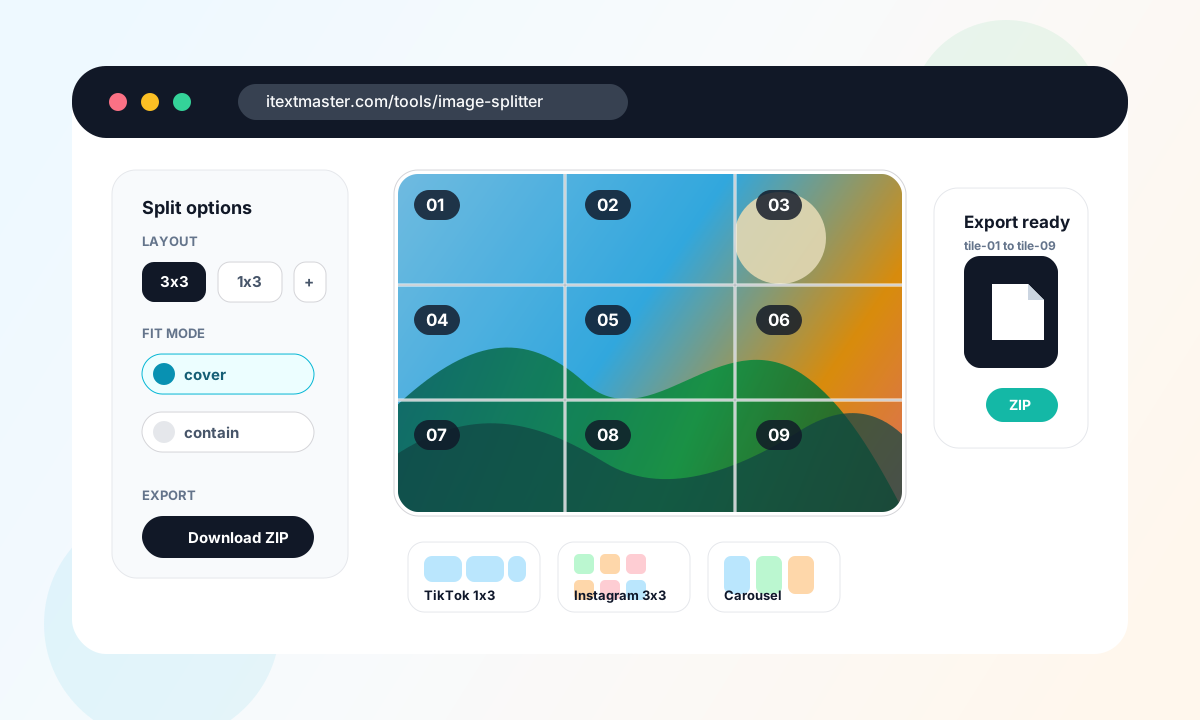
You do not need Photoshop to split a raster image into tiles. An online image splitter can load a JPG, PNG, WebP, GIF, or BMP in the browser, divide it into a grid, render each tile on Canvas, and export numbered image files or a ZIP.
Why this works without Photoshop
Photoshop term
slices
Photoshop calls exported image pieces slices. The Slice Tool and slices from guides are useful when a designer needs precise manual control.
Source: Adobe Photoshop User Guide
Browser capability
Canvas rendering
Modern browsers can draw raster images to a canvas and export the result as image blobs, which makes local online tile generation practical.
Source: MDN Web Docs
Web image usage
99.9% requested at least one image
The Web Almanac reports that nearly every measured page requested image resources, so image preparation remains a mainstream web workflow.
Source: HTTP Archive Web Almanac
Social distribution
5.66 billion social media user identities
DataReportal reported 5.66 billion global social media user identities in October 2025, which helps explain demand for repeatable platform image workflows and ordered exports.
Source: DataReportal Digital 2026
Practical use cases
The most common no-Photoshop jobs are repeatable publishing patterns: a Xiaohongshu 9-grid, a WeChat Official Account long image, an X multi-image layout, or a custom set of ordered tiles.
Xiaohongshu 9-grid
3x39 tilesRedNote puzzle posts, campaign reveals, visual sequences, and one-tap 1080 x 1440 tile preparation.
Choose Xiaohongshu, review the 3:4 tiles and safe-zone overlay, then download the numbered publishing pack.
WeChat Official Account long image
900 or 1080 widefull + segmentsArticle infographics, product explainers, launch recaps, and long visuals that may need smaller upload segments.
Choose WeChat, set the target width and segment height, then export the full long image plus numbered segments.
X multi-image post
2, 3, or 4 images2-4 assetsComparisons, announcements, event recaps, and threads where the combined post preview matters.
Choose the image count, check the simulated light or dark post preview and gap compensation, then export in posting order.
Custom collage or print grid
custom rows x columnsvariableMoodboards, classroom puzzles, printed posters, game tiles, and web sprite planning.
Set custom rows and columns, use contain when the full source must remain visible, then export PNG or JPEG tiles.
Online image splitting workflow
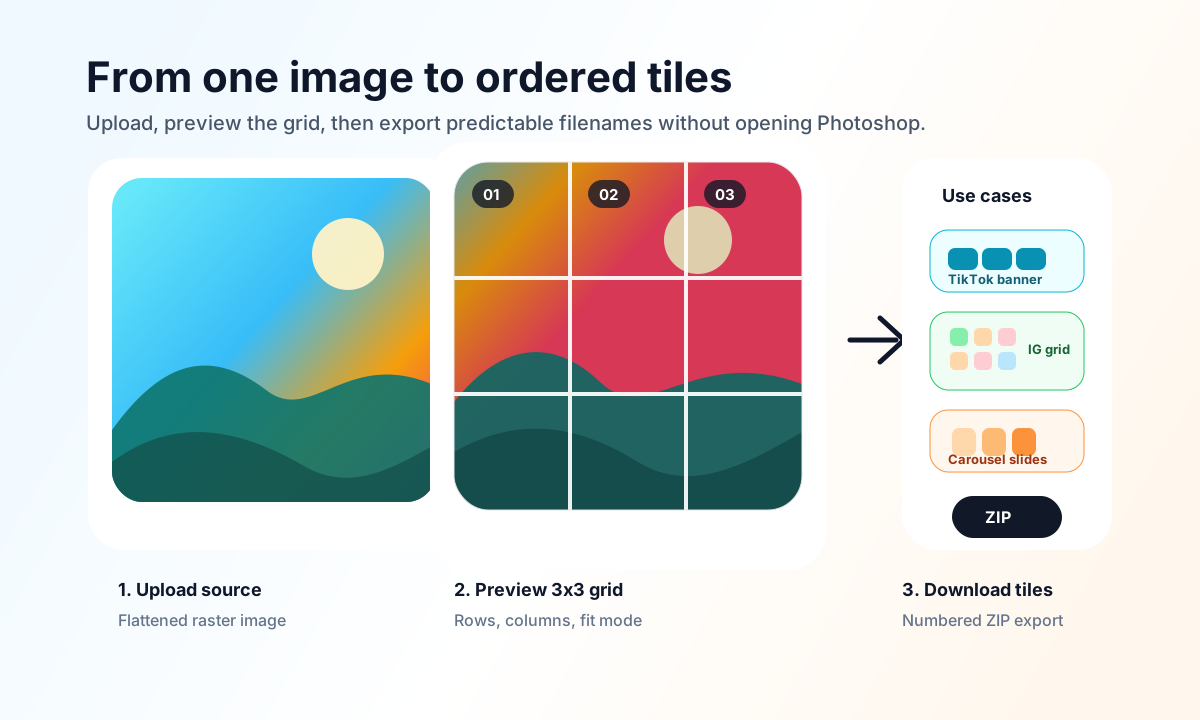
- 1
Upload the source image
Start with the highest-quality raster image you have. JPG, PNG, WebP, GIF, and BMP are common browser-readable inputs for image splitting.
- 2
Choose the grid
Choose Xiaohongshu, WeChat, X, or a custom grid. Platform presets set the target layout while custom mode keeps rows, columns, fit, background, and format controls.
- 3
Review the platform preview
Turn on the safe-zone overlay to keep text and logos away from risky edges. For X, switch between light and dark simulated post previews and adjust gap compensation.
- 4
Download numbered tiles
Export individual files or download a ZIP with platform-aware, numbered filenames. This reduces ordering mistakes when a post has several assets.
Photoshop slices vs online image splitter
Photoshop is strongest when the source is a layered PSD and you need manual slice boundaries. A browser workbench is faster when the job follows a repeatable platform layout with safe-zone preview and ordered export.
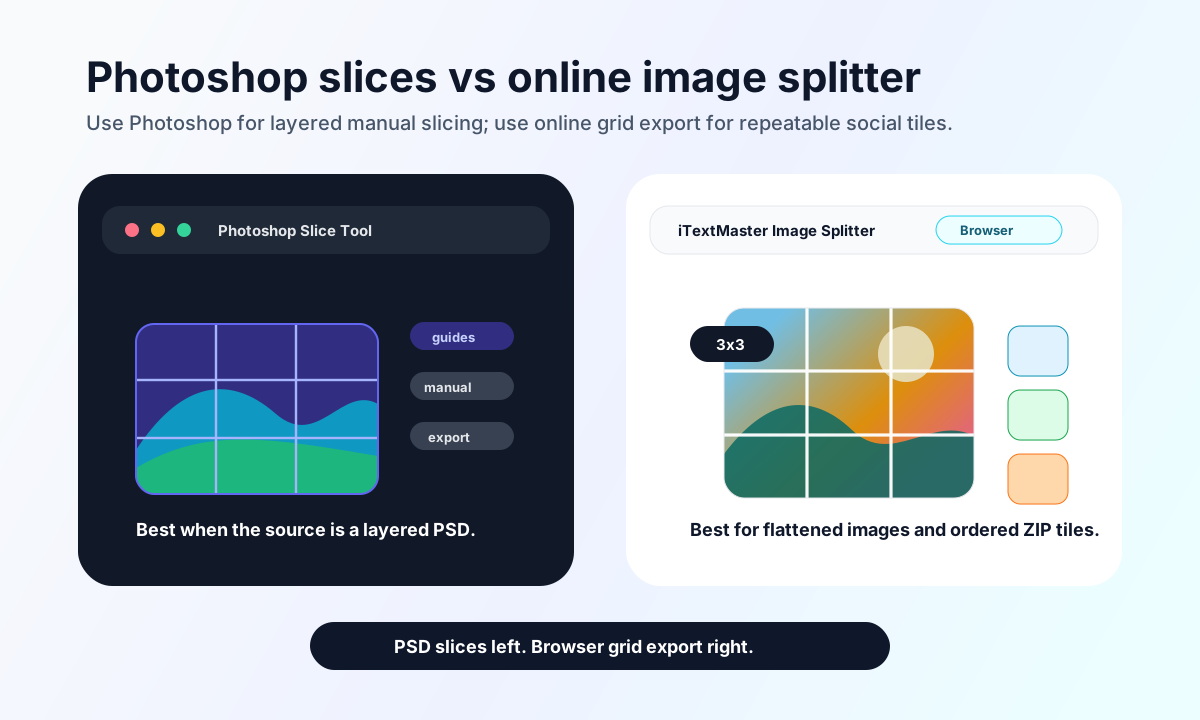
| Need | Photoshop Slice Tool | Online Image Splitter |
|---|---|---|
| Exact design slicing inside a layered PSD | Best fit. Use guides, Slice Tool, and Save for Web when the source file depends on Photoshop layers. | Use only after exporting a flattened JPG, PNG, or WebP from the design file. |
| Fast Xiaohongshu, WeChat, or X publishing pack | Possible, but platform layouts, safe zones, and filenames must be managed manually. | Best fit. Choose a platform preset, review the preview, and export numbered assets as a ZIP. |
| Private one-off image split without installing software | Requires a Photoshop installation and a manual export workflow. | Best fit when processing runs in the browser and no account is needed. |
| Precise crop behavior | Manual guides and slices give full design control. | Use cover for filled tiles or contain for preserving the whole image. |
Use iTextMaster Image Splitter
iTextMaster Image Splitter includes Xiaohongshu 9-grid, WeChat long-image, X multi-image, and custom presets. Preview platform framing and safe zones, then export individual files or a numbered ZIP pack.
Related image tools
FAQ
Can I split an image online without Photoshop?
Yes. A browser-based image splitter can draw your image to a canvas, divide it into grid tiles, and export the tiles as separate files or a ZIP.
Will splitting an image online reduce quality?
Quality depends on the source image, output format, and compression setting. PNG is useful for sharp graphics, while JPEG or WebP can reduce file size for photos.
What is the online alternative to Photoshop slices?
For simple grids, an online image splitter replaces the Slice Tool workflow by generating equal tiles from a flattened raster image.
Can I make a Xiaohongshu 9-grid without Photoshop?
Yes. Choose the Xiaohongshu preset to create nine 1080 x 1440 tiles, preview the safe area, and download them in posting order.
Can I create a WeChat long image and X multi-image post?
Yes. WeChat mode exports a full long image plus optional segments, while X mode creates two, three, or four assets with a simulated post preview.
Are my images uploaded when I use iTextMaster Image Splitter?
During normal use, iTextMaster Image Splitter performs image decoding and tile generation in the browser, so the file does not need to be uploaded to a server.